Image Catalog is not showing

Hi All,
I've just implemented WeltPixel's Pearl Theme, then everything is okay when I change from old theme (MGS Unero) to Pearl Theme. But, problem happened when I change the image dimension's settings on pearl theme configuration of Category page + Regenerate and Flushing All cache including image flush at Cache Management. This is what it looks like :
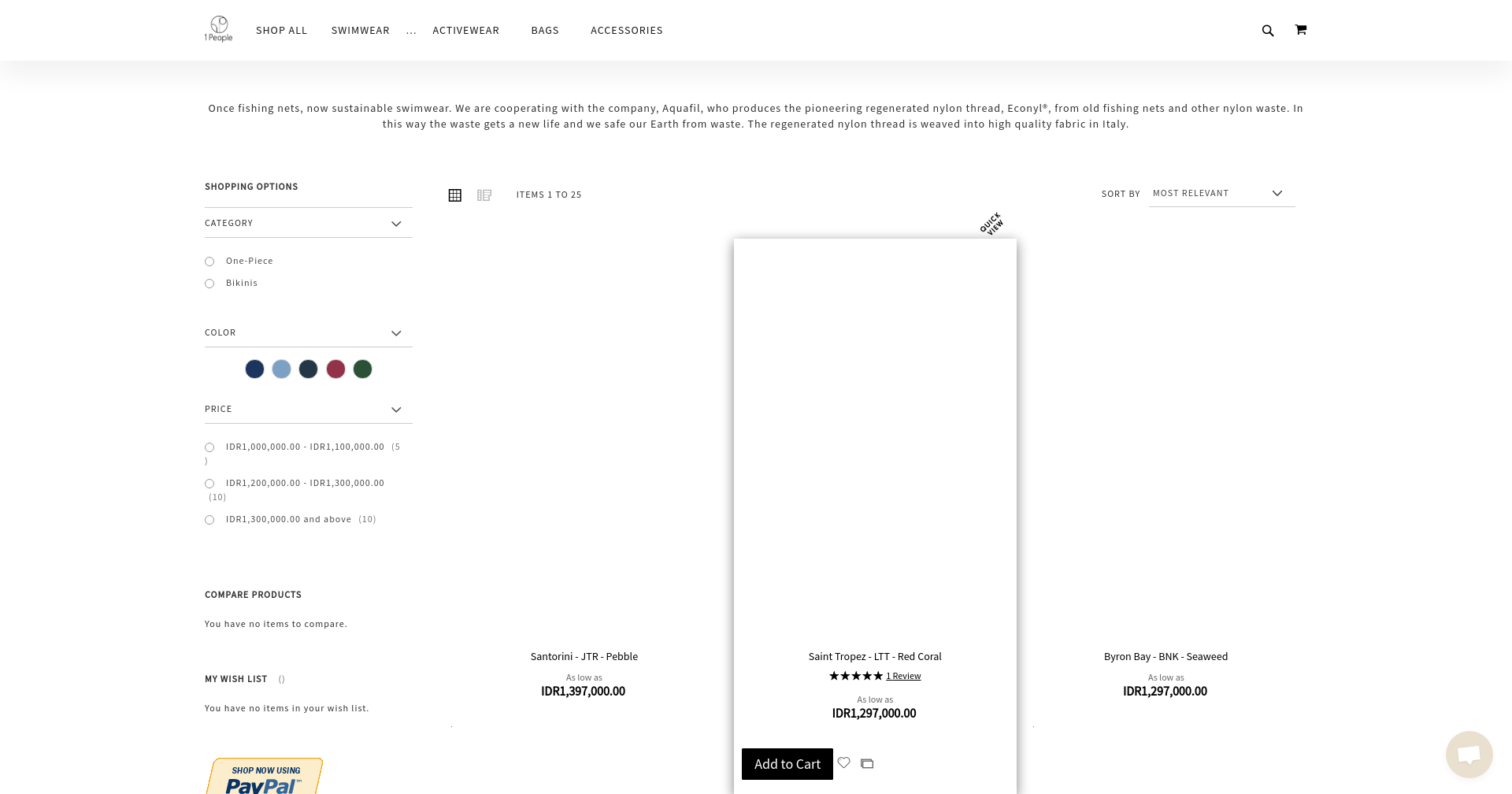
The I try to do the command of catalog:image:resize but it says Area Code already set :
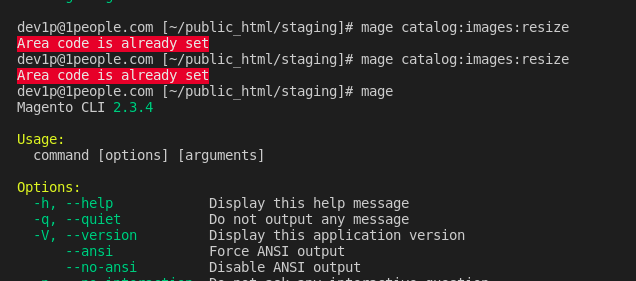
when trying to solve and find information I found out this link explains some thing about area code in constructor calling https://support.klevu.com/knowledgebase/resolving-area-code-already-set/
Is anyone ever experienced this in the pearl theme? Please let me know your opinions and thoughts, I'm still beginner in Magento Dev, thanks in advance, guys!
-

Hi,
Apply this patch from: https://github.com/magento/magento2/issues/8770
diff --git a/vendor/magento/module-media-storage/Console/Command/ImagesResizeCommand.php b/vendor/magento/module-media-storage/Console/Command/ImagesResizeCommand.php
index ba12d60..3fc2f72 100644
--- a/vendor/magento/module-media-storage/Console/Command/ImagesResizeCommand.php
+++ b/vendor/magento/module-media-storage/Console/Command/ImagesResizeCommand.php
@@ -77,7 +77,9 @@ class ImagesResizeCommand extends \Symfony\Component\Console\Command\Command
{
try {
$errors = [];
- $this->appState->setAreaCode(Area::AREA_GLOBAL);
+ if (!$this->appState->getAreaCode()) {
+ $this->appState->setAreaCode(Area::AREA_GLOBAL);
+ }
$generator = $this->resize->resizeFromThemes();
/** @var ProgressBar $progress */I hope it helps.
Please sign in to leave a comment.
Comments
1 comment