Missing blocks

I've installed the sample pages (39) and blocks (16). However, I cannot find
weltpixel_social_media_email_blockor
weltpixel_custom_block_returns
These are both referenced in step 3 of the user guide for Magento 2 Transactional Email Template Editor.
Are they deprecated or do I need to install them via a different method?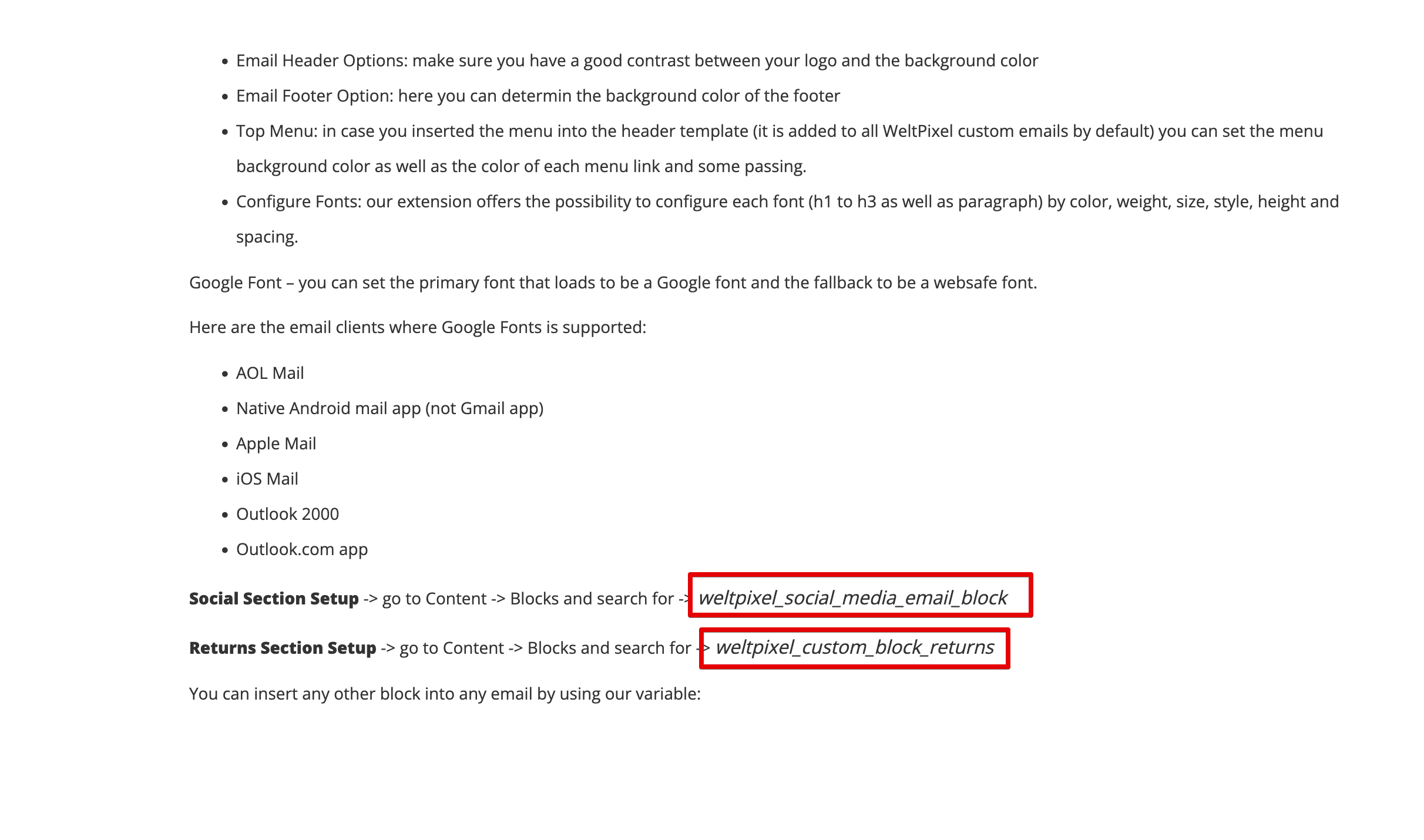
-
Official comment

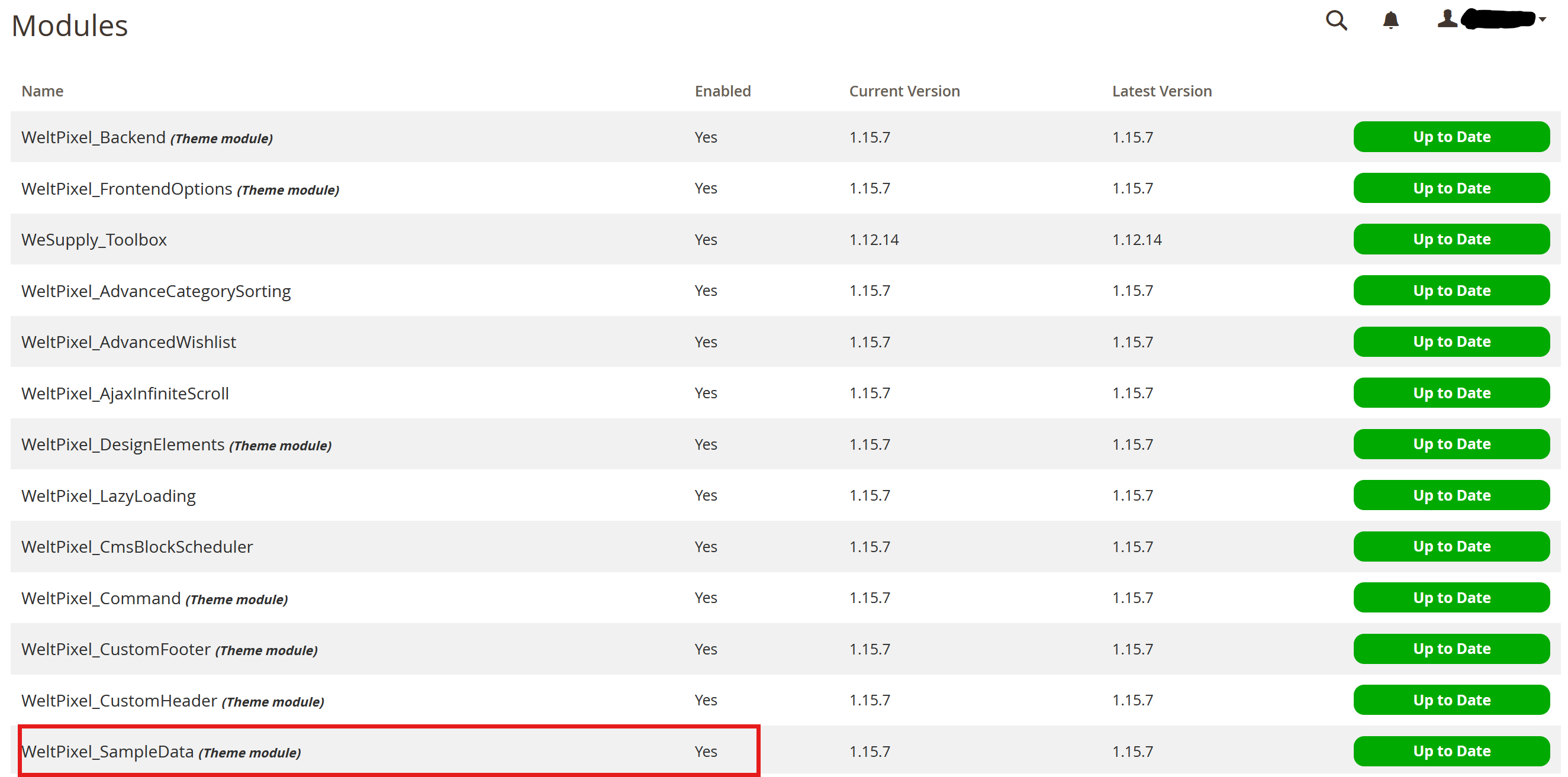
Could you make sure you enabled the Sample Data module with the following command? php bin/magento module:enable WeltPixel_SampleData --clear-static-content
If the Sample Data module wasn't enabled, it's possible this is why you're not seeing the blocks. Alternatively, if the Sample Data module was indeed enabled, it's possible that there are missing files on the server, which could translate into missing blocks in the Magento Admin. In this case, I would advise a reinstallation of the theme, making sure that all the theme files are correctly and fully copied over to the server and that there are no failed file transfers in the process.
Comment actions -
Run a reindex. If the issue persists, please open a ticket and provide the admin and SSH credentials so we can have a look:
Please sign in to leave a comment.
Comments
5 comments